docker-mcp
Your AI agent works Docker for you: containers, images, volumes, networks, Compose projects, clean-ups and practice labs that check themselves.
It's an MCP server: an AI app (Claude Code, Codex, an agent built on agent-kit) starts it and gets its tools. You don't call the tools yourself: you ask in your own words ("start a PostgreSQL with a volume for its data"), and the agent picks them. It drives Docker's own command line on your computer.
You choose how far it can go when it starts: read only looks, lab only runs practice labs under a safety policy, and full does everything Docker does, asking before anything dangerous.
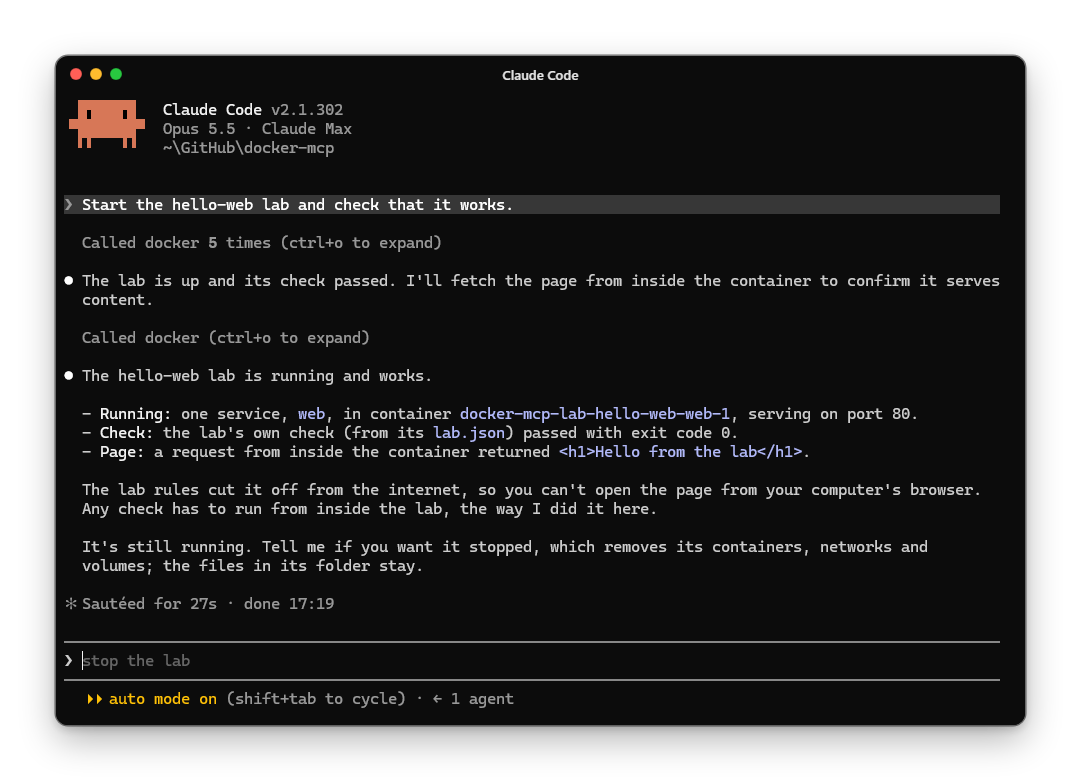
Claude Code, in lab mode: it starts a practice lab and its check passes, all through docker-mcp.
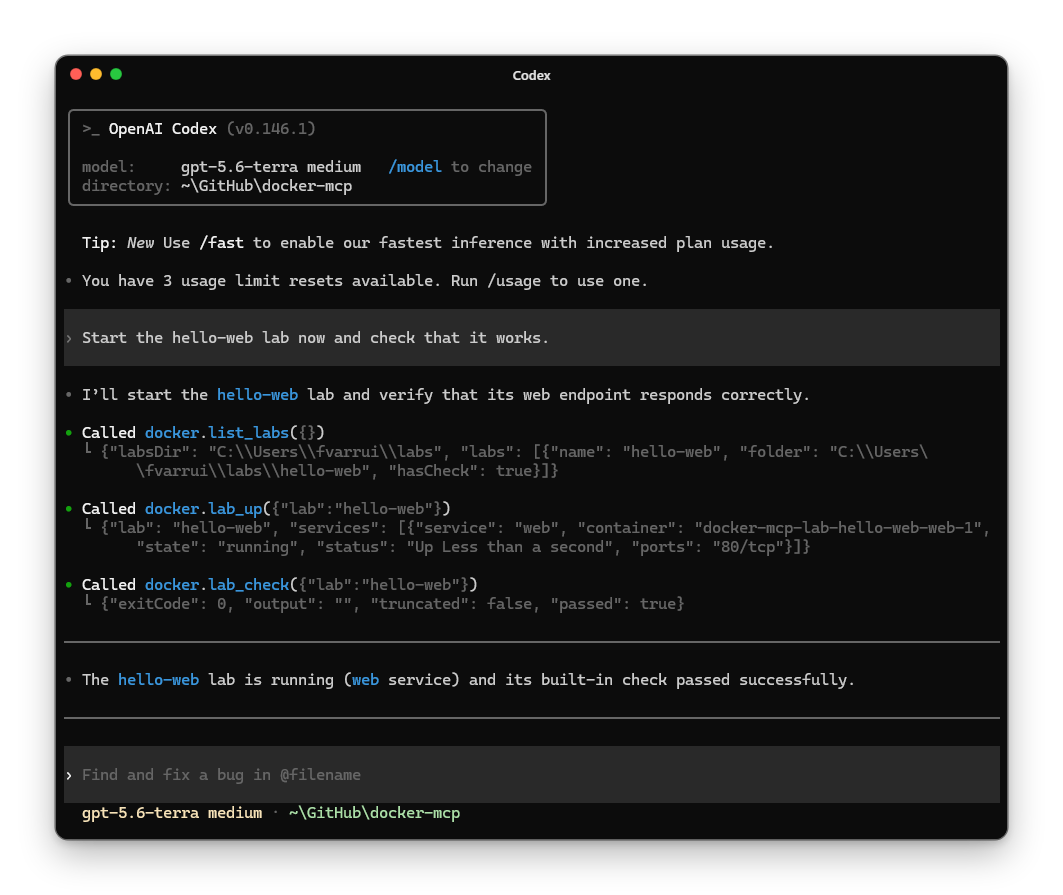
Codex, with the same lab: it calls list_labs, lab_up and lab_check, and the check passes.
- Getting started: install it in your AI app.
- Configuration:
.mcp.json, Codex'sconfig.tomlor their command lines, with every setting. - Modes and settings: what each mode allows, the areas, and the labs.
- Tools: every tool, with the description the agent reads.
- Releases: what changed in each version.