Logging in the first time
moodle-mcp never asks for your password. You log in yourself, once, in a browser window it opens.
What happens
-
You ask for something in Moodle, such as "list my Moodle courses".
-
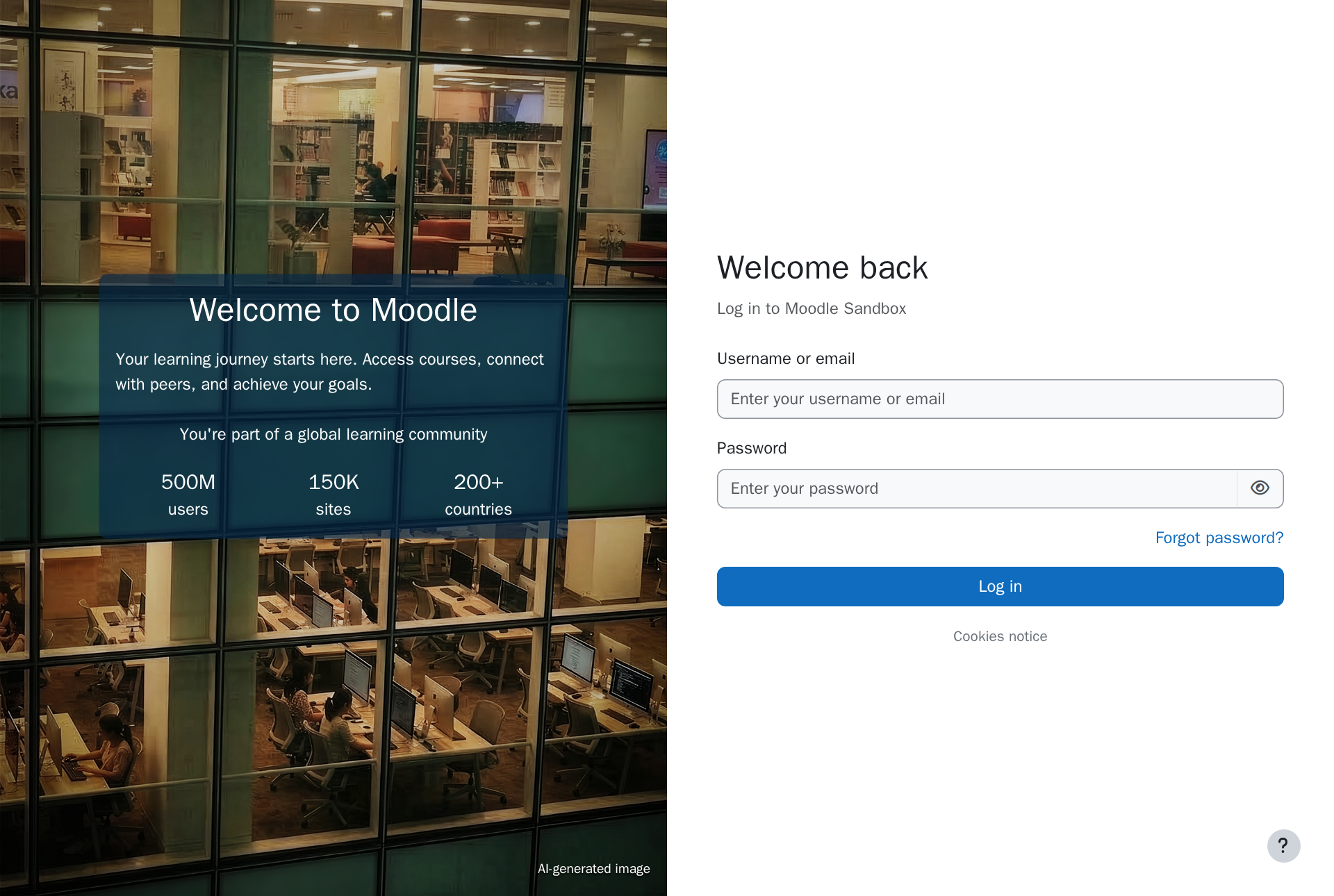
The agent finds there's no session yet. moodle-mcp opens a browser window at your site's login page, and the agent tells you to log in there.
-
You log in as usual, with your username and password, your school's single sign-on, two-factor authentication, whatever your site uses.
-
The window closes by itself once you're in, and the agent carries on with what you asked. moodle-mcp waits up to 5 minutes for you to log in.
From then on, the agent works without a window, in the background.
How long the session lasts
The session is kept in a browser profile on your computer, in the .moodle-mcp/profile folder of your home folder. It lasts as long as Moodle keeps it alive, usually days or weeks, like when you tick Remember me in your browser.
When Moodle ends it (because it expired, or because you logged out of Moodle elsewhere with Log out of all sessions), the next request opens the login window again.
To end it yourself, ask the agent to log out of Moodle.
The profile folder holds a live Moodle session, as good as your password while it lasts. Don't copy it to shared folders, cloud drives or repositories.
Without a site address
If you didn't set MOODLE_URL when you added moodle-mcp, the agent asks you for your site the first time. You can also tell it:
Use the Moodle site https://campus.example.org.
It keeps that site until the AI app restarts. To make it permanent, add MOODLE_URL to the configuration (Settings).
More than one site or account
Each profile folder keeps one session. To use two Moodle sites, or two accounts on the same site (say, your teacher account and a test student), add moodle-mcp twice with different names, and give each its own MOODLE_MCP_PROFILE_DIR:
$ claude mcp add moodle-campus -e MOODLE_URL=https://campus.example.org -- npx -y @falkenslab/moodle-mcp$ claude mcp add moodle-test -e MOODLE_URL=https://test.example.org -e MOODLE_MCP_PROFILE_DIR=~/.moodle-mcp/test -- npx -y @falkenslab/moodle-mcp