4. Unit 1: MariaDB in Docker
With the teaching plan closed, it's time to build the course in Moodle. We start with the first unit in a new conversation, with the /miyagi:build-unit shortcut:
/miyagi:build-unit Unit 1: MariaDB in Docker, following the teaching plan. With notes explaining step by step how to start the container, connect with the client, and create the tienda database and a user with permissions only on it; the guided practical, with the commands in code blocks, tested in Docker before publishing it; the pass/fail deliverable and the unit's quiz. The dates you propose work for me. The container is always called mariadb-tienda.
First, check that it works
Before publishing anything, miyagi tests the practical in a docker-lab lab: it starts a real MariaDB, follows every step the students will later read, provokes the errors the notes are going to explain, and checks that the check fails when nothing has been done yet. It warns you before starting the lab, and asks you before stopping it because its data is lost.
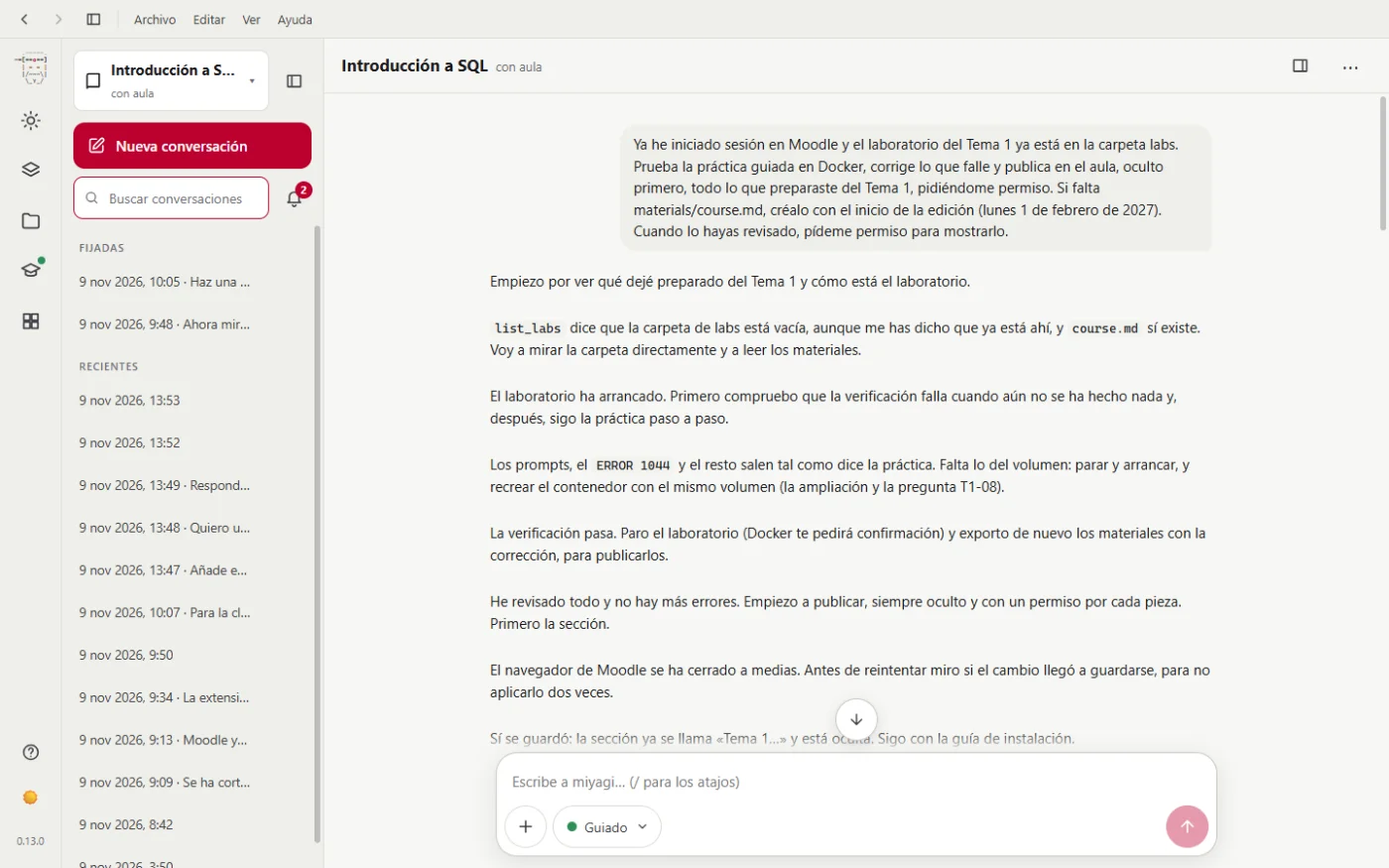
In this screenshot the teacher tells it the lab "is already in the labs folder", because in that run it was copied by hand. Since then miyagi can write in that folder without restarting. Notice too what happens next: the browser moodle-teacher uses to work in Moodle drops, and miyagi checks whether the change was saved before repeating it, so as not to apply it twice.
Each piece, with its permission
miyagi builds the unit piece by piece. First it leaves it in materials/ and in drafts/, then it uploads it to Moodle hidden and at the end it asks your permission to show it. Each panel says exactly what it's going to publish. In Unit 1: the section, a page on how to install and check Docker, the notes in a 7-chapter book, the guided practical, an "apto/no apto" (pass/fail) scale (that Moodle only came with scales in English), the deliverable, the quiz, its 20 questions and, at the end, showing it.
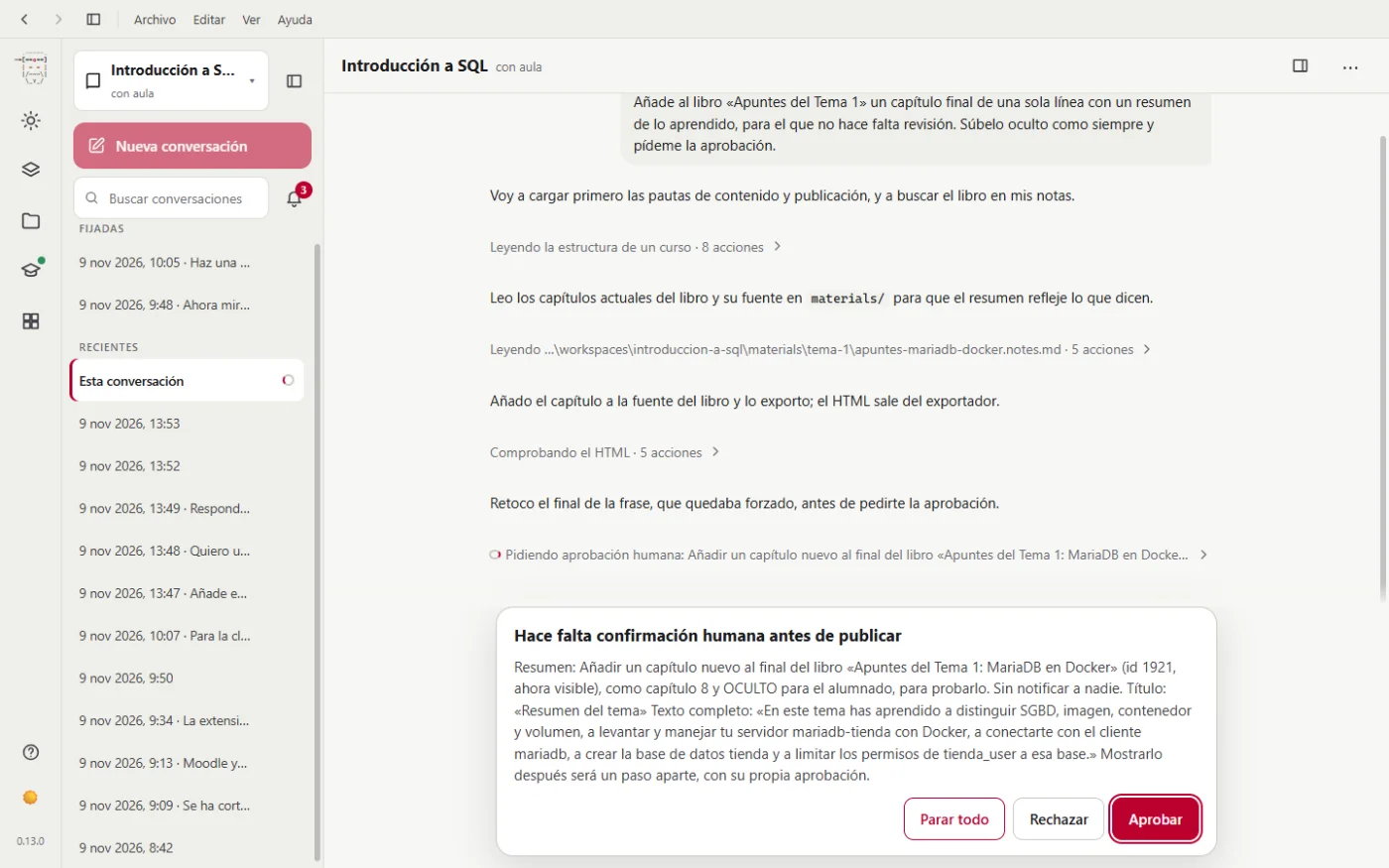
Approval doesn't depend only on the agent remembering. The program watches every change it's about to make in Moodle and, if it hasn't asked permission just before, stops it and asks you. Deleting or removing something always asks you, even if you've approved it before.
What failed
Publishing the unit took more than expected, because the Moodle browser closed several times during the work. miyagi carried on, checking in Moodle what had been saved before repeating each step, and at the end of the conversation it tells you what it has done and what's left.
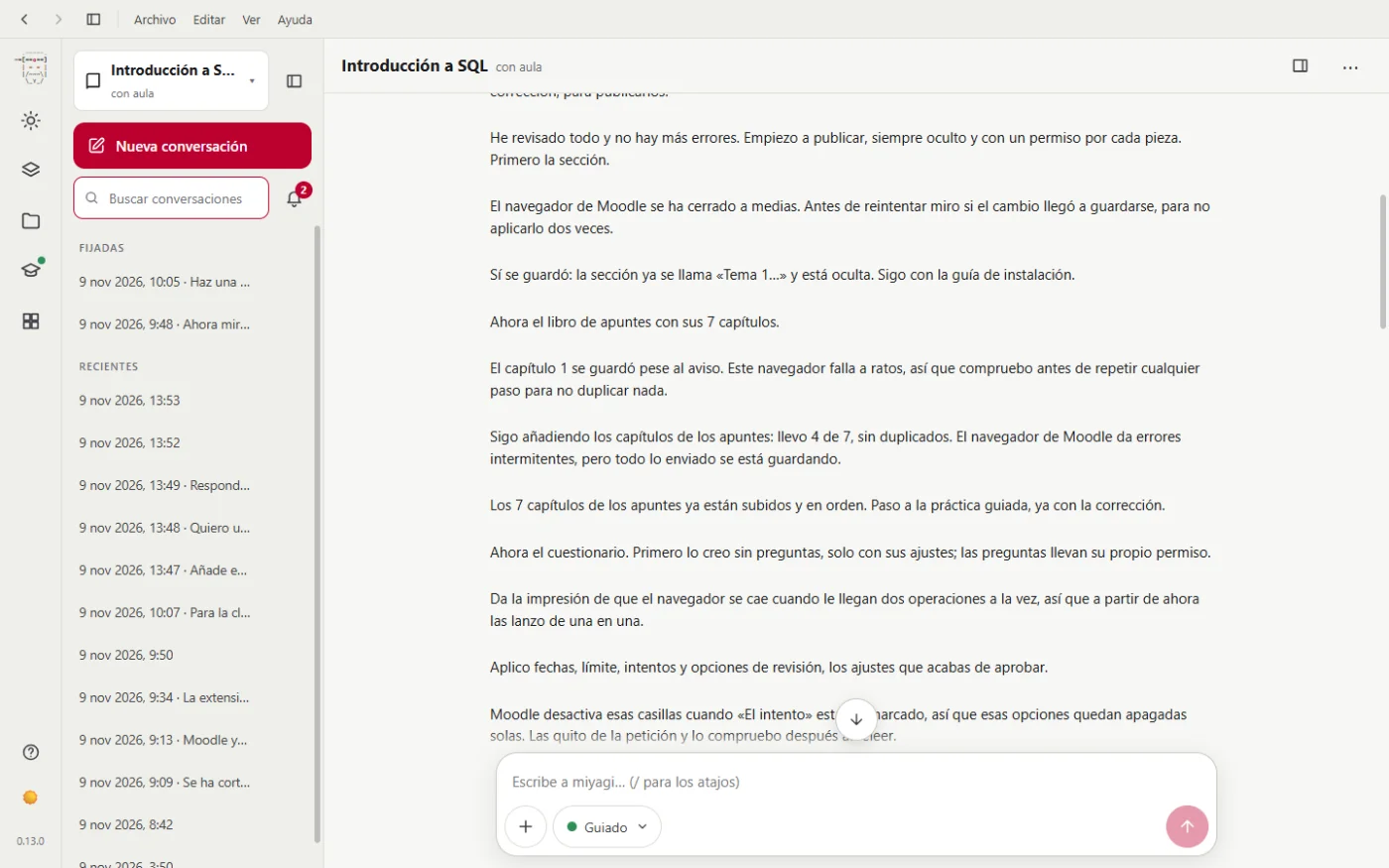
The quiz was left half-way in this first attempt: there were questions still to import. It was completed later, in step 6. We tell you what to do when this happens in Tips and problems.
The result
This is how a student sees the unit:
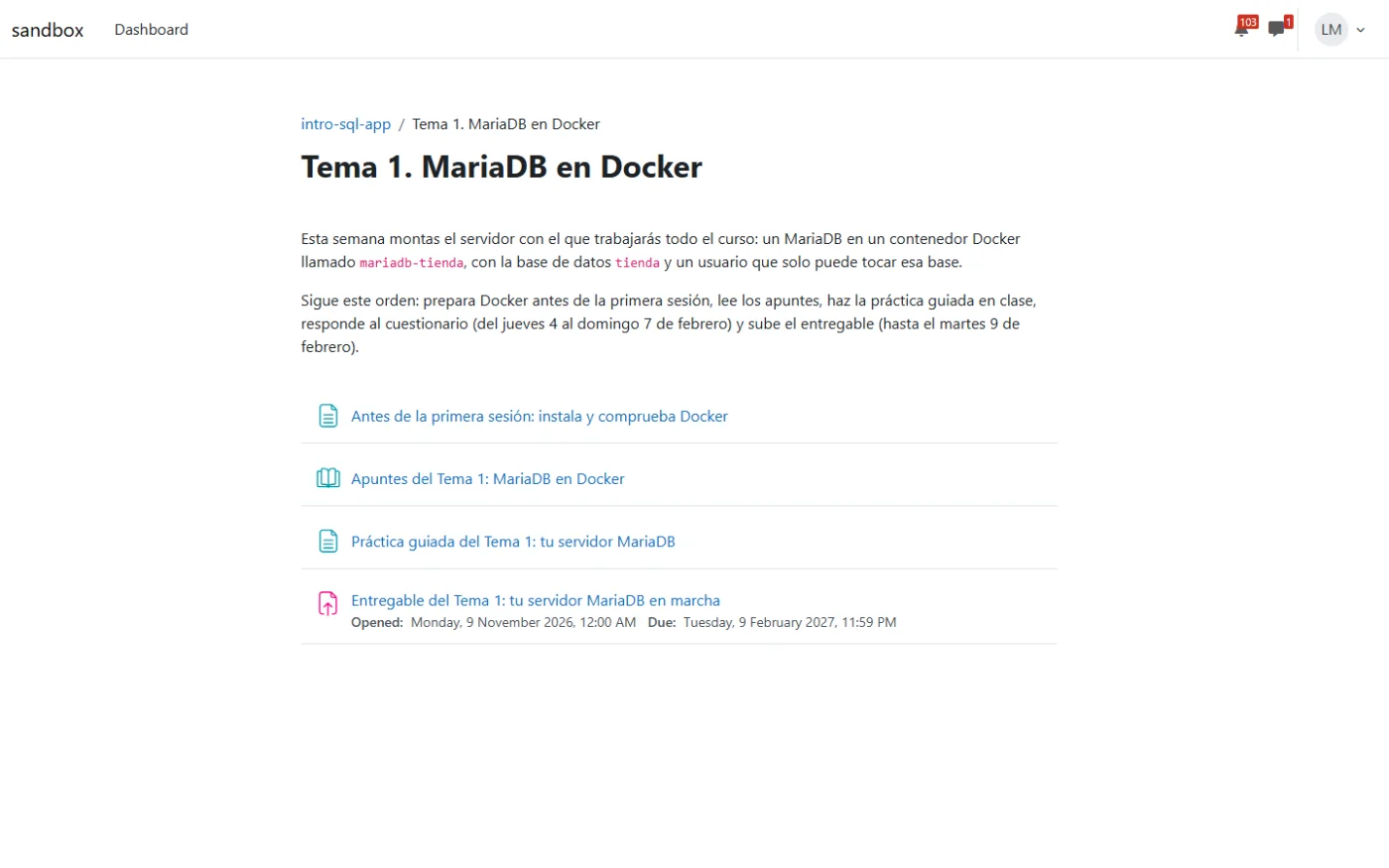
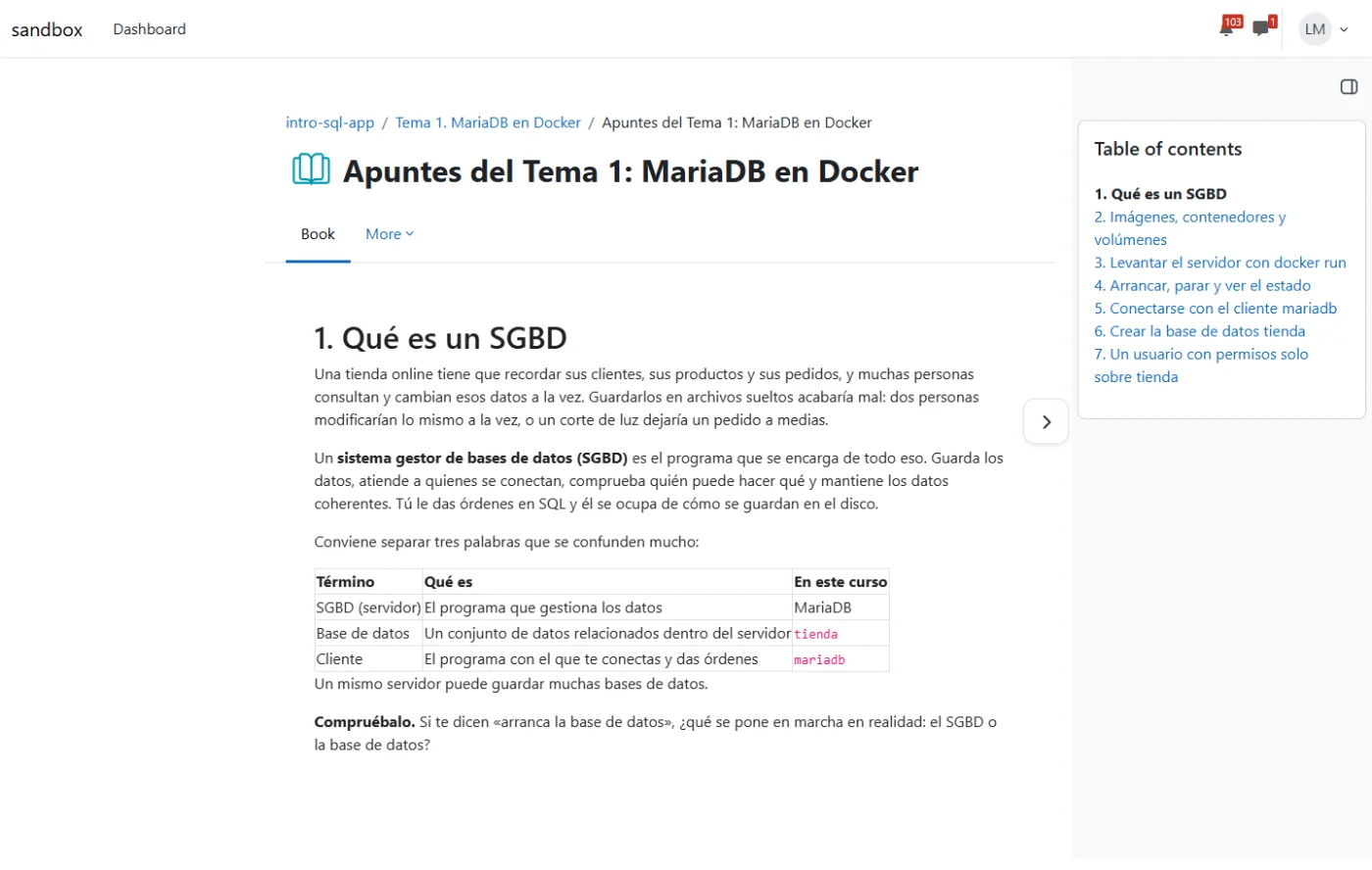
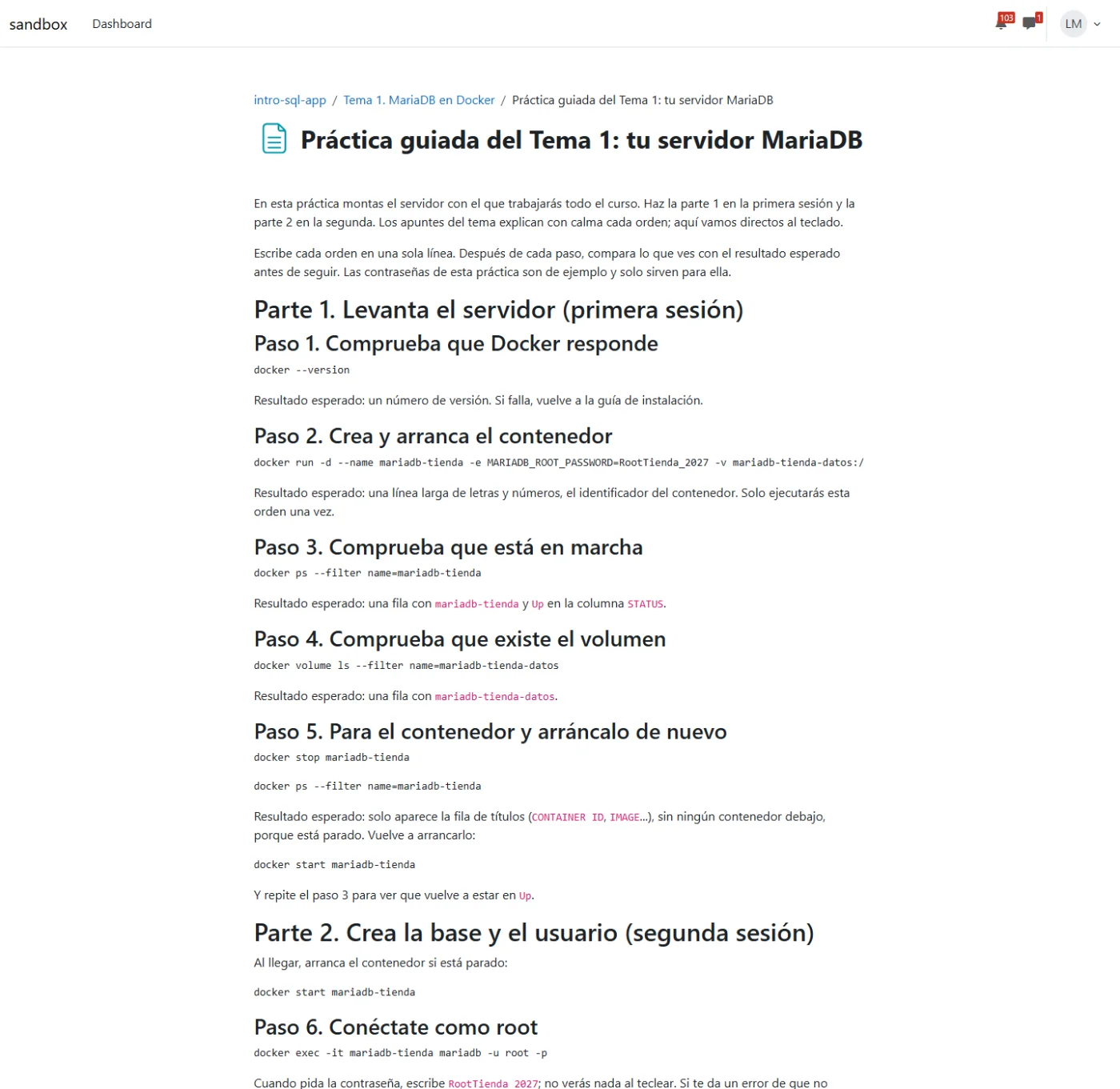
And this is how the teacher sees it:
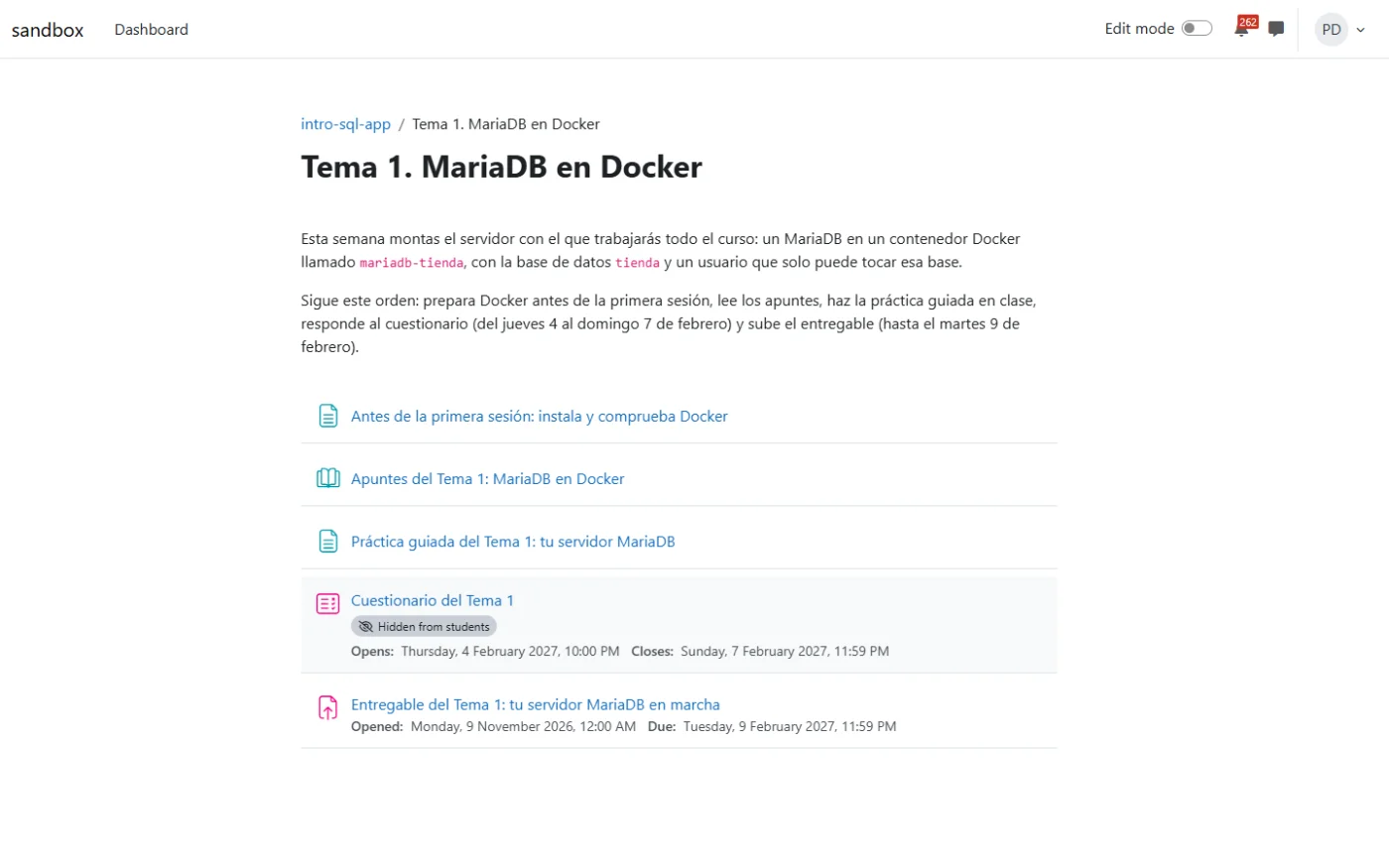
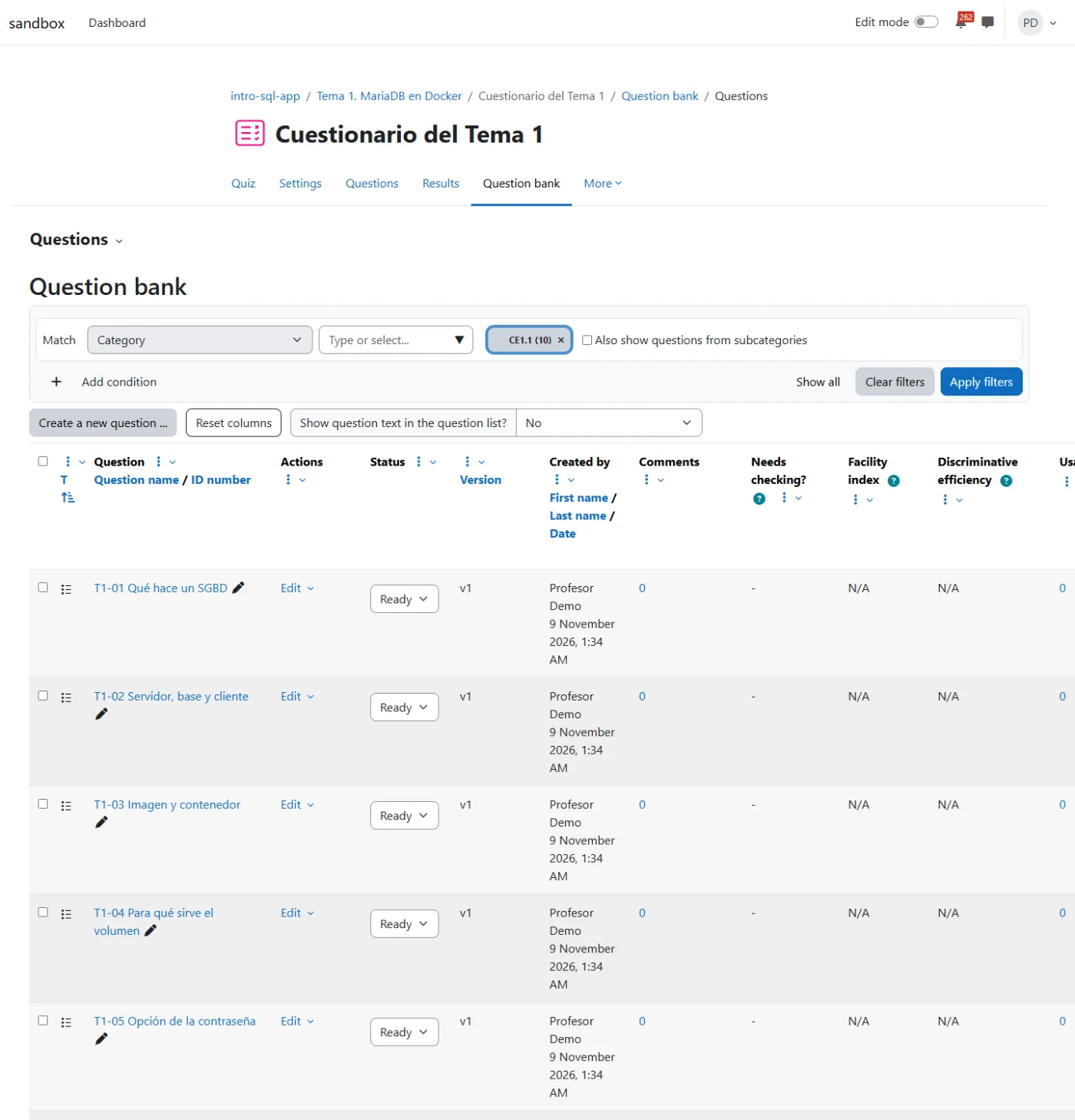
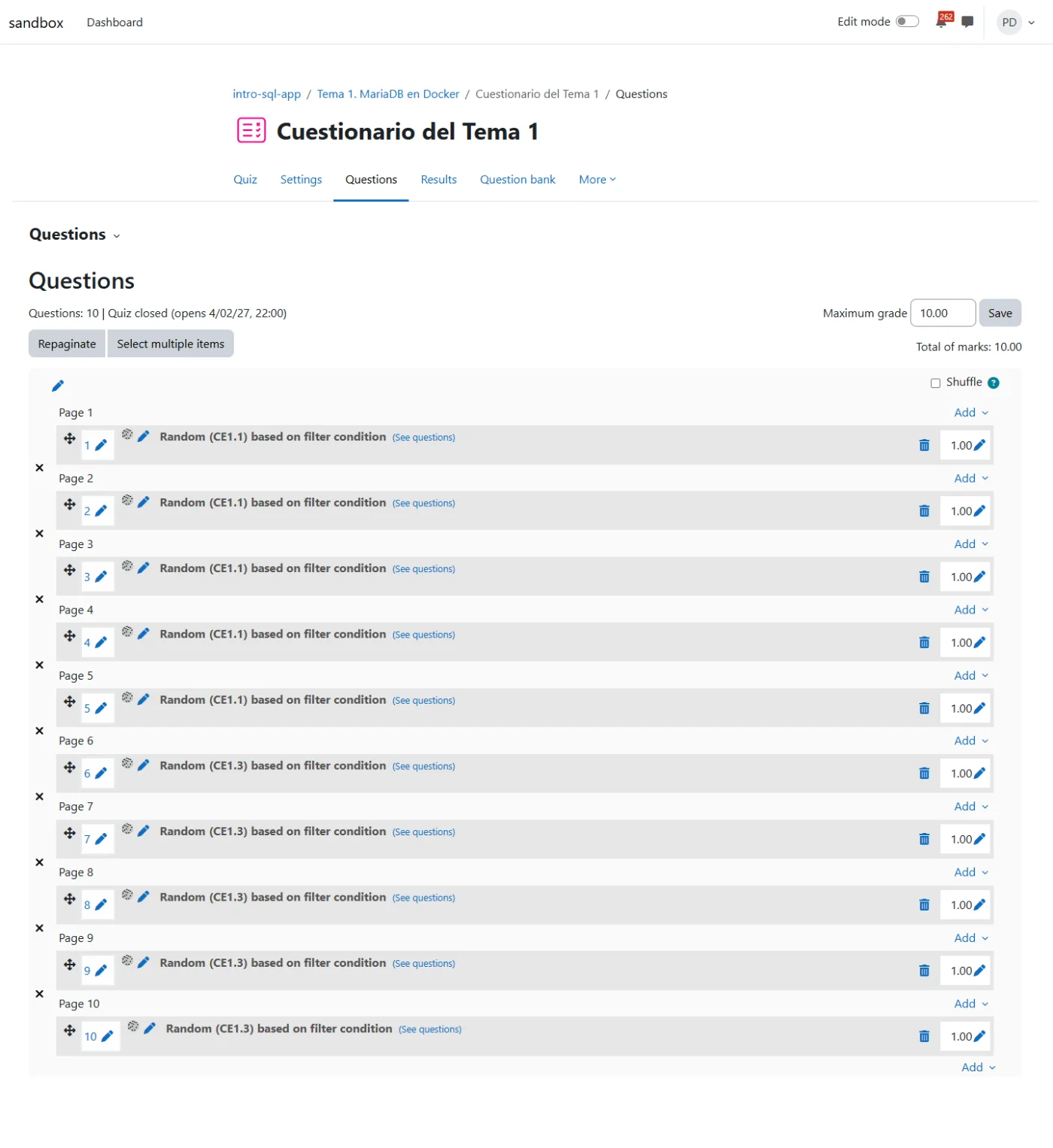
The Unit 1 quiz stayed hidden until the end: we'll see it in the Drafts view, in step 6.
Next step: Units 2 and 3.