Use cases in the terminal

The tasks in the SQL tutorial can also be done from the terminal. These screenshots are of the same subject.

Prepare the subject​

Terminal
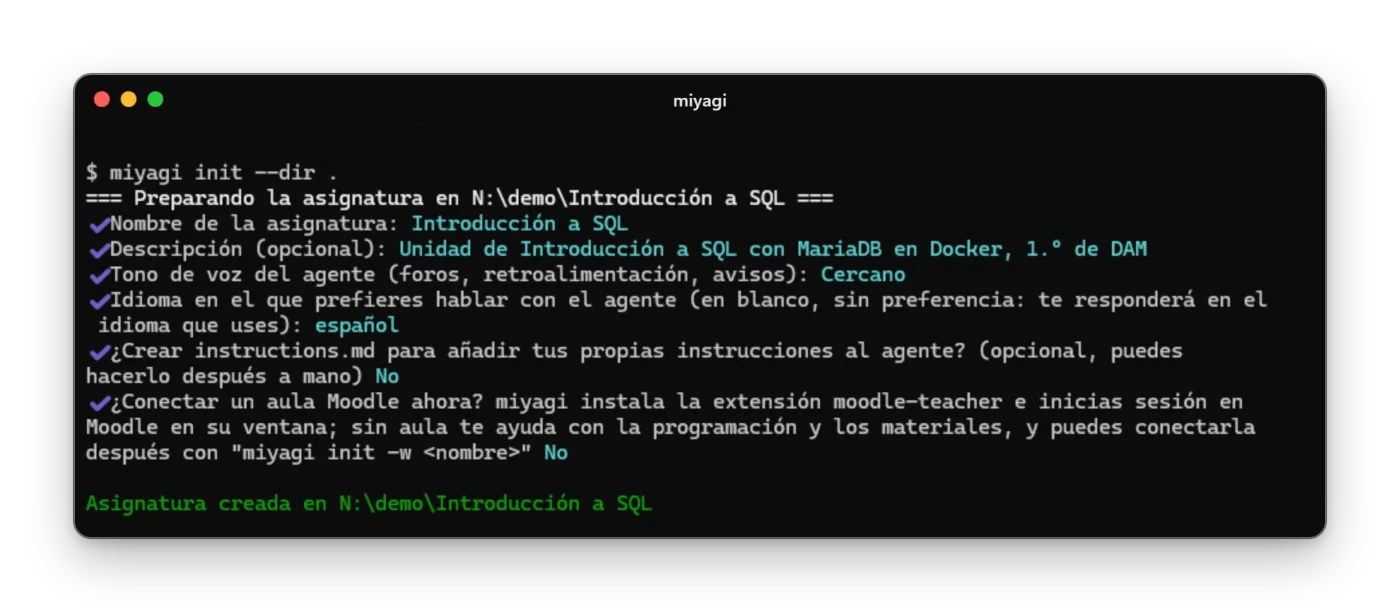
$ miyagi init
The terminal with miyagi init on a demo subject: name, description, tone, language and no classroom.
miyagi init on a demo subject.

Give it your material​

Copy your documents into sources and:

Terminal
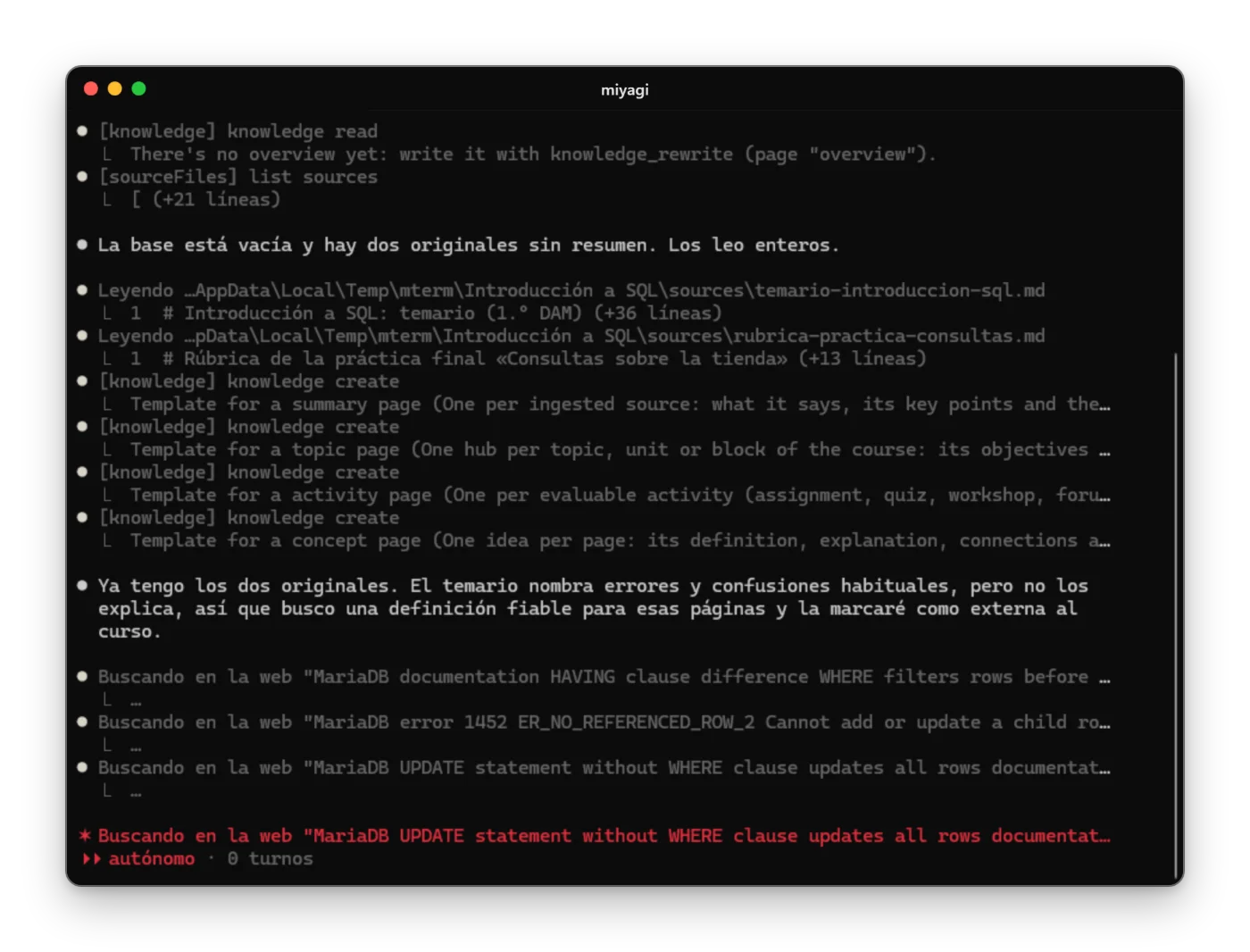
$ miyagi ingest -w introduccion-a-sql
miyagi ingest reading a demo subject's sources and creating pages.
ingest at work, on a demo subject.
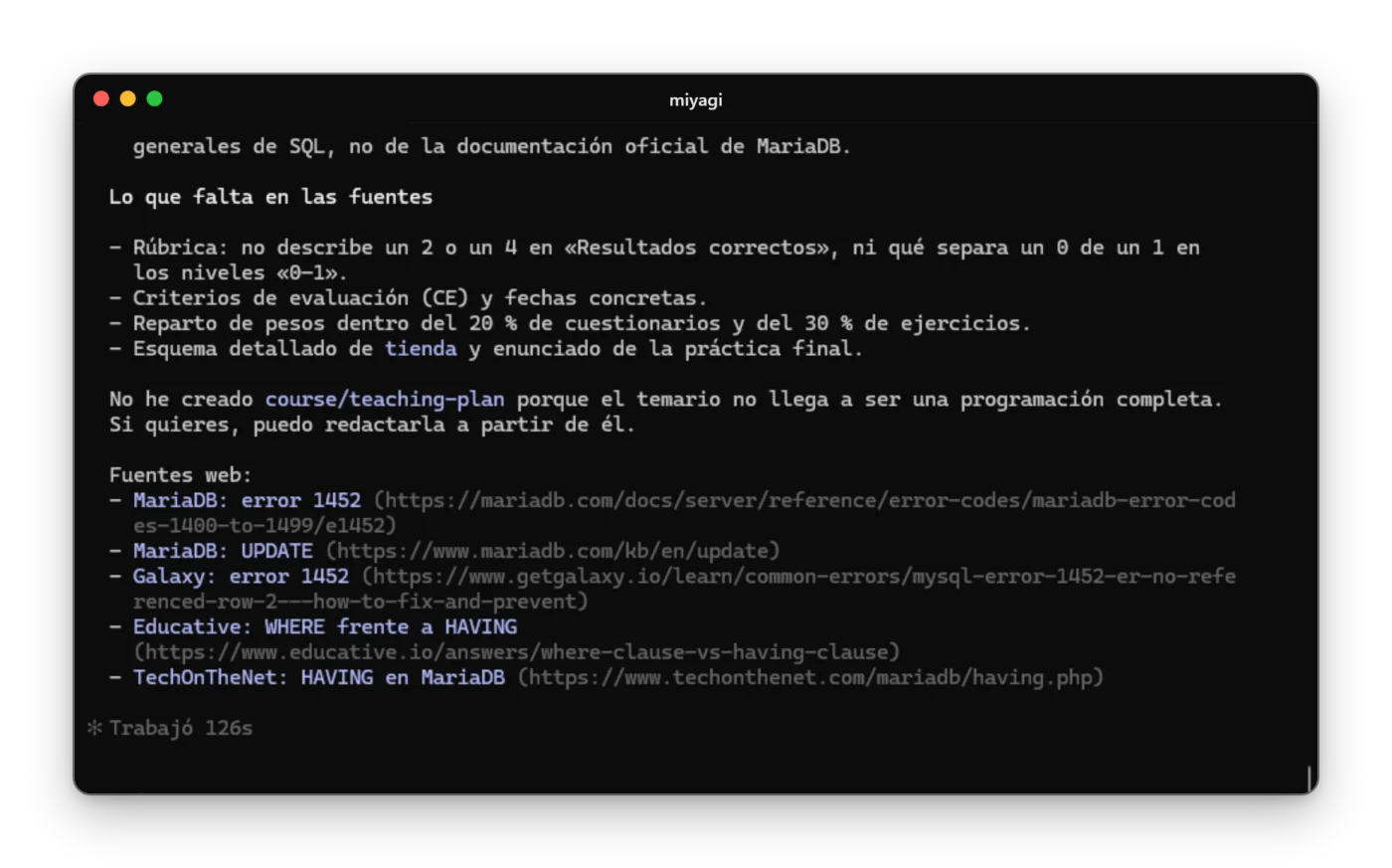
The summary of miyagi ingest, with the gaps it finds and the web sources it proposes.
And its summary.

See what the Moodle supports​

Terminal
$ miyagi explore -w introduccion-a-sql
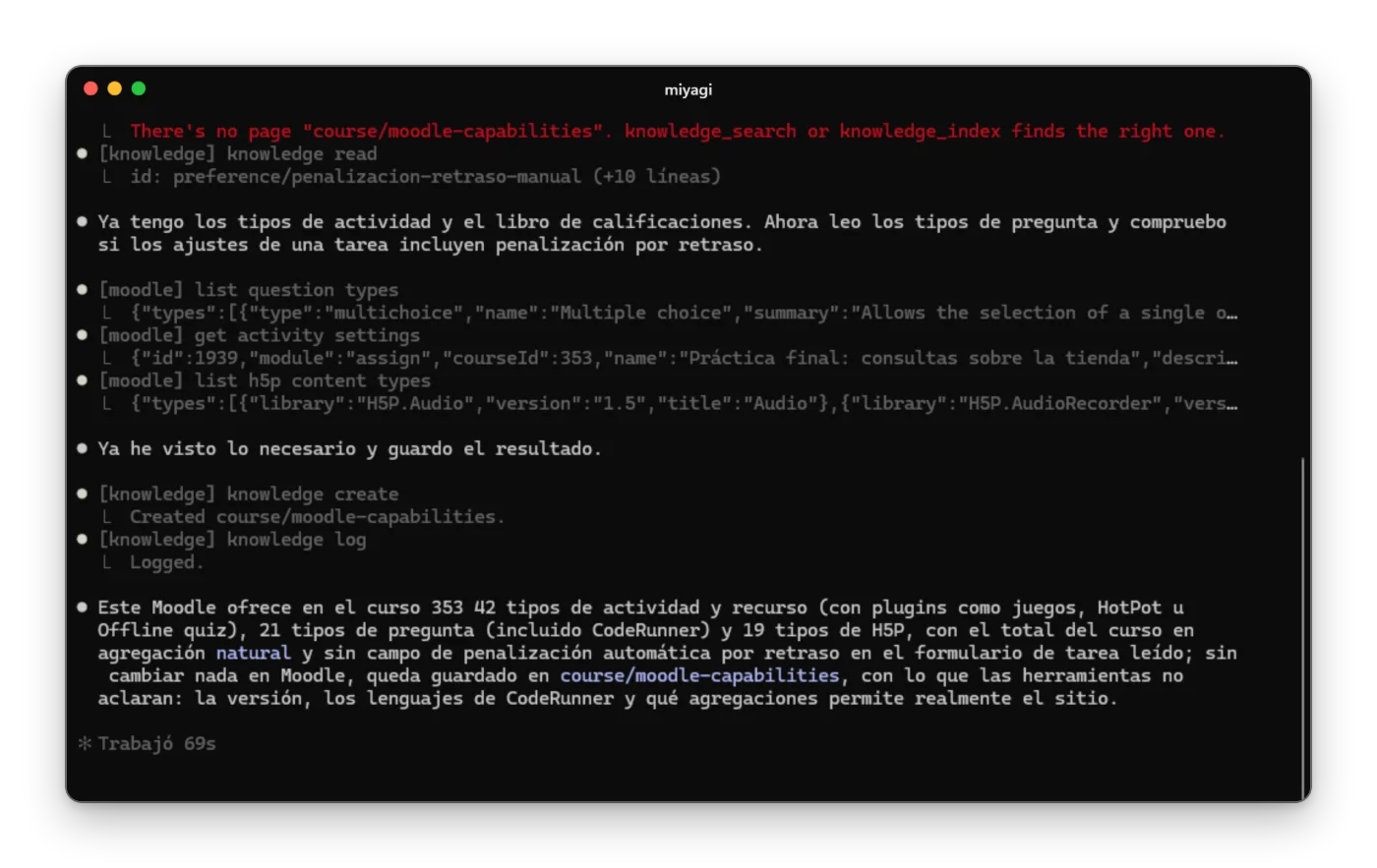
The end of miyagi explore: what it has seen in the course and the page saved in its memory.
What it has seen in the course, in course/moodle-capabilities.

Grading​

Terminal
$ miyagi chat -w introduccion-a-sql

Which submissions of the Práctica final do I have left to grade?
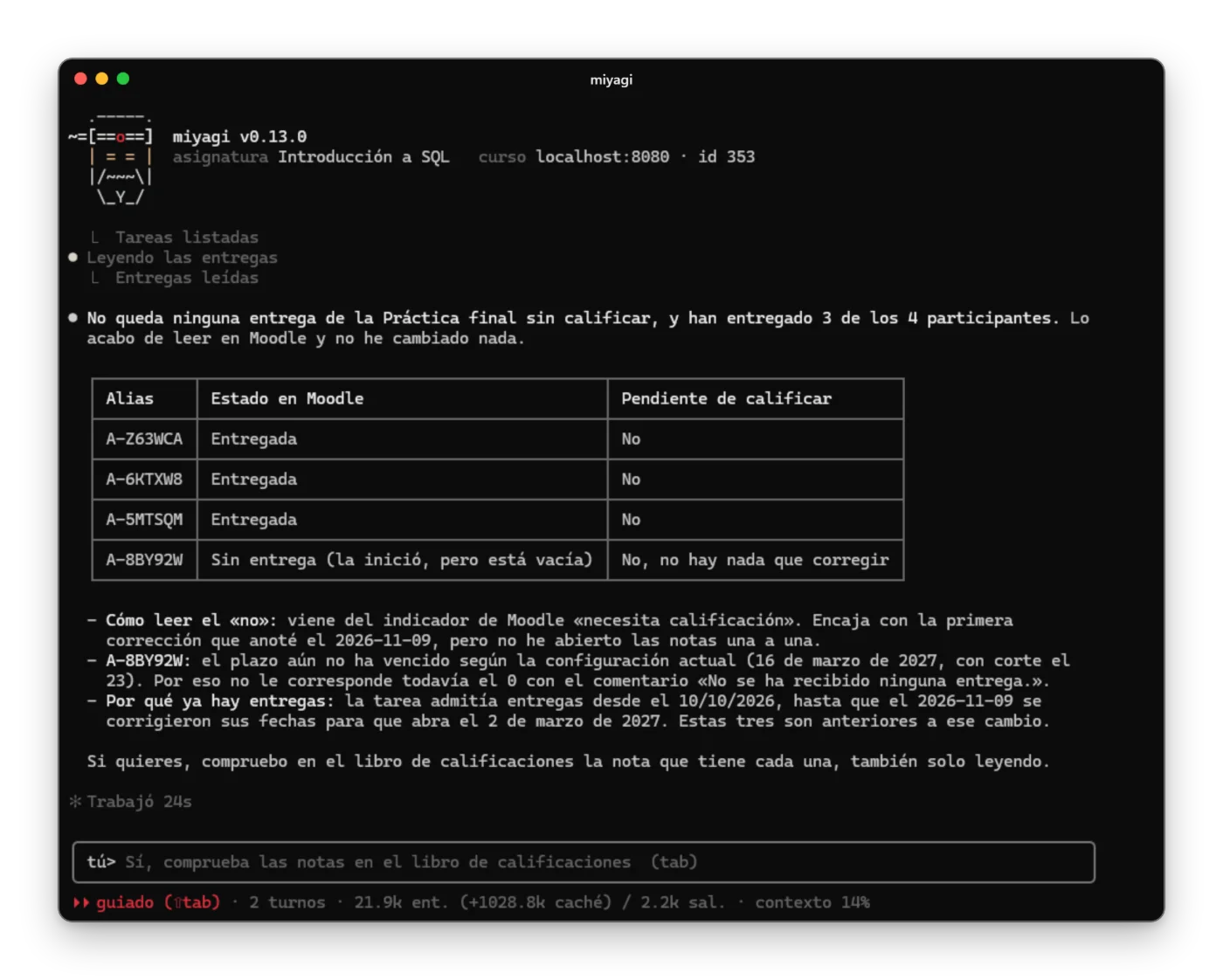
The terminal chat answering with a table of aliases, whether they submitted and whether they're still to be graded.
The state of the submissions, only reading. The students appear as aliases here too, and if the submission is a file it asks your permission to save it just as in the app.

Before publishing it asks your permission just as in the other versions:
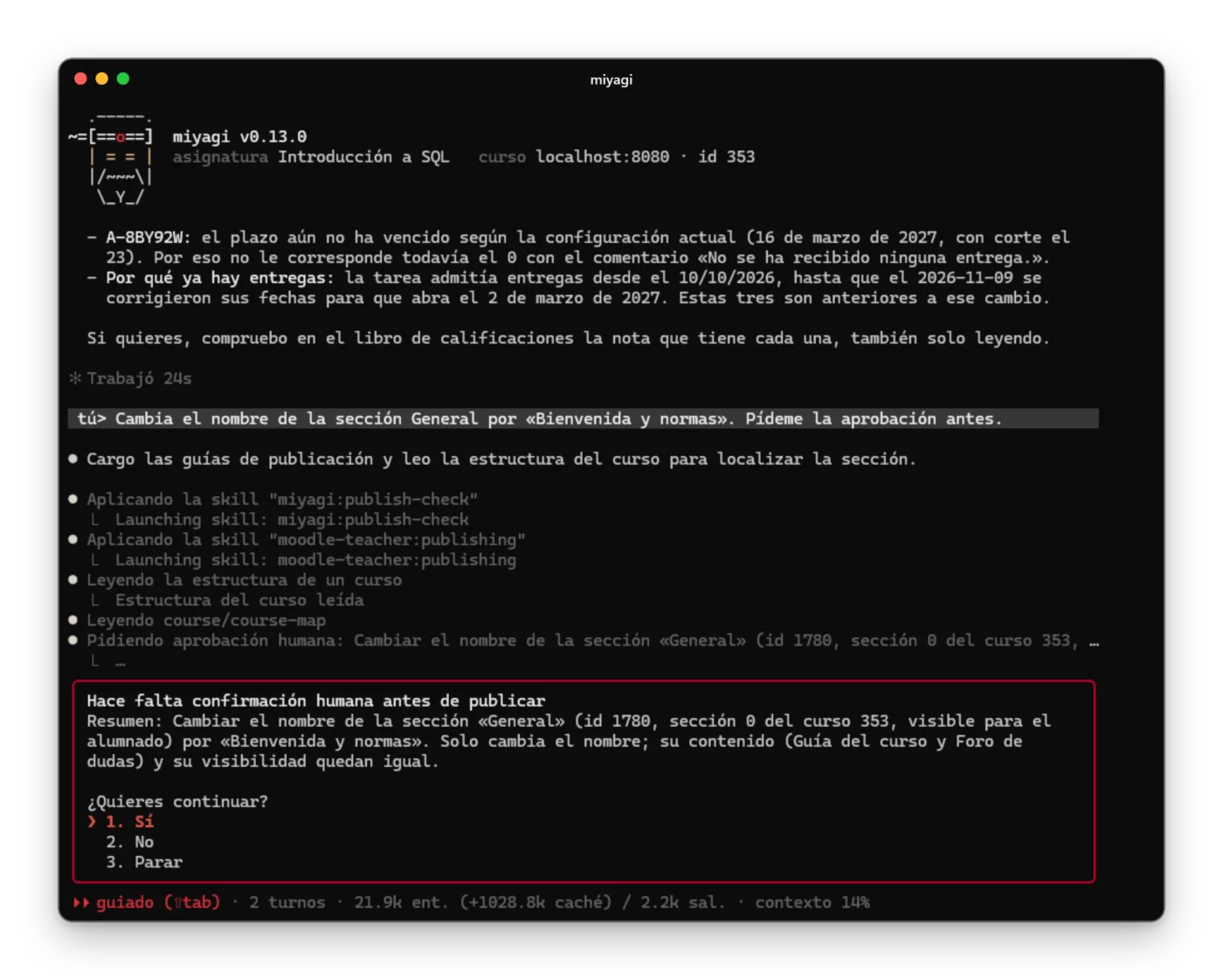
The approval panel in the terminal for renaming a section, with the options Yes, No and Stop.
Yes, No or Stop, from the keyboard.

One-command tasks​

For something specific, without a conversation:

Terminal
$ miyagi run --task "Dime cuántas entregas sin corregir tiene la Práctica final, sin cambiar nada"
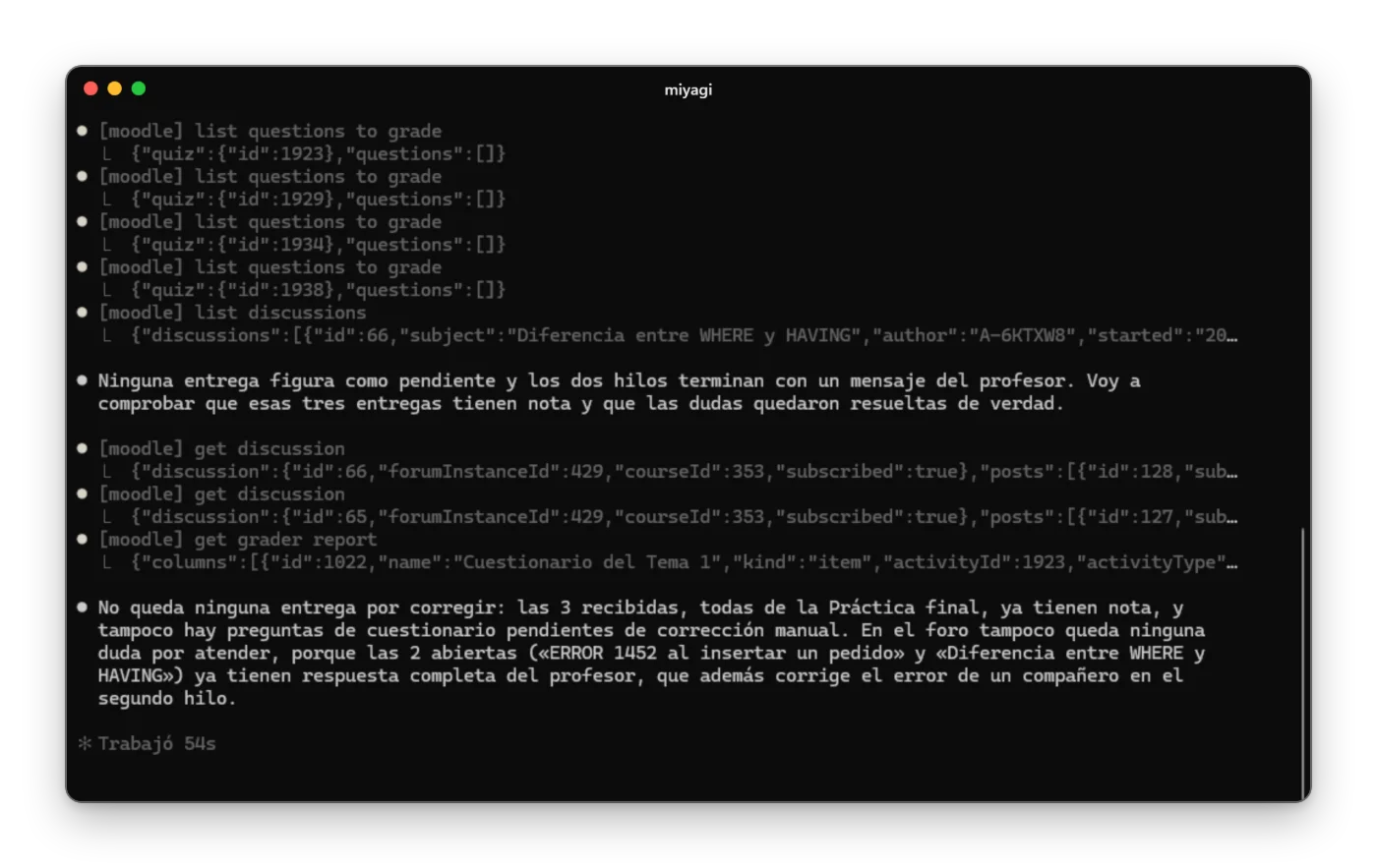
The terminal with a read-only miyagi run --task and the reply.
A read-only task.

Your own skill, and the extensions​

miyagi skills lists the skills, including yours:
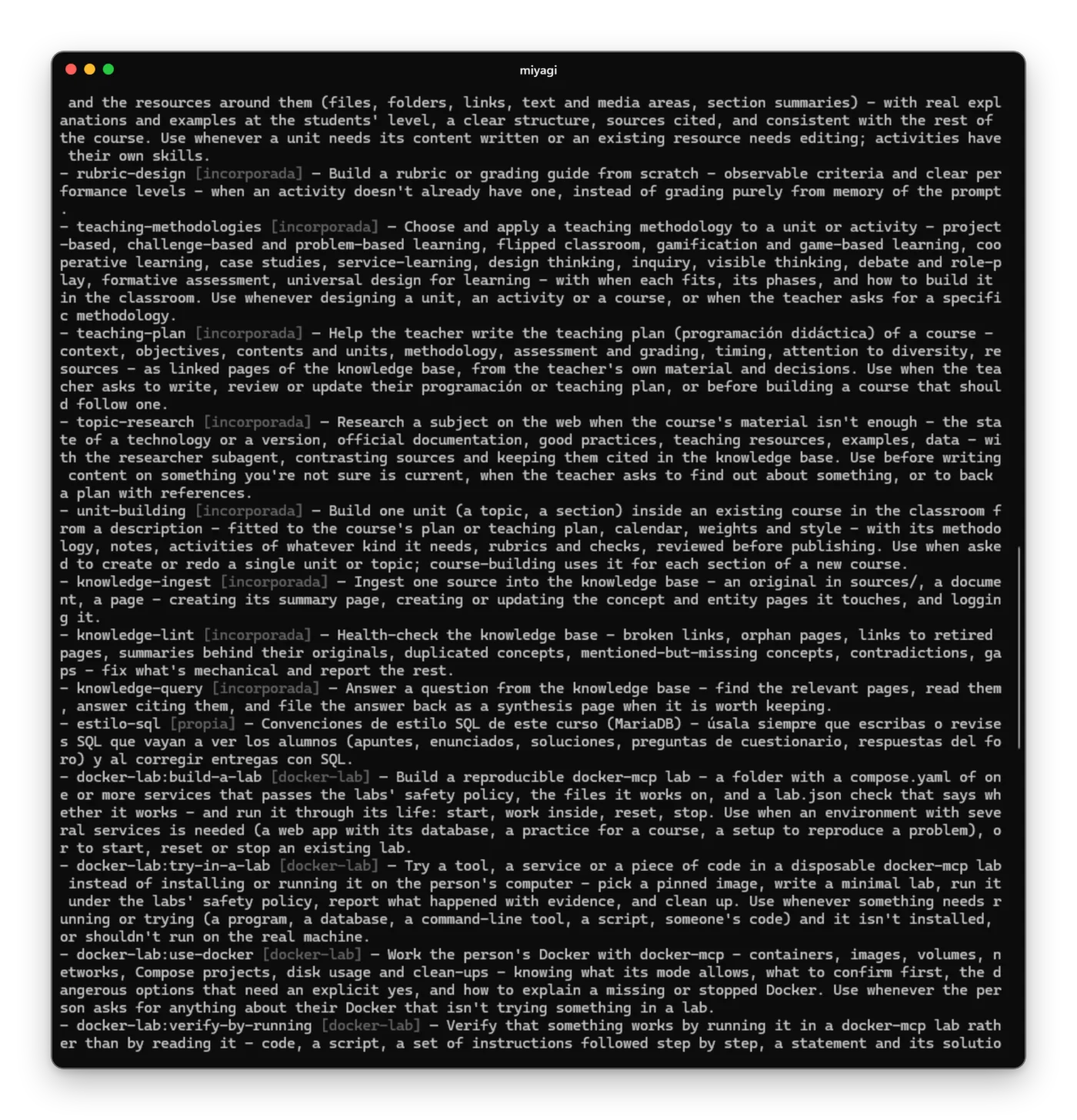
miyagi skills with the estilo-sql skill marked as your own at the end.
The estilo-sql skill, at the end of the list.

And miyagi extension list the extensions:
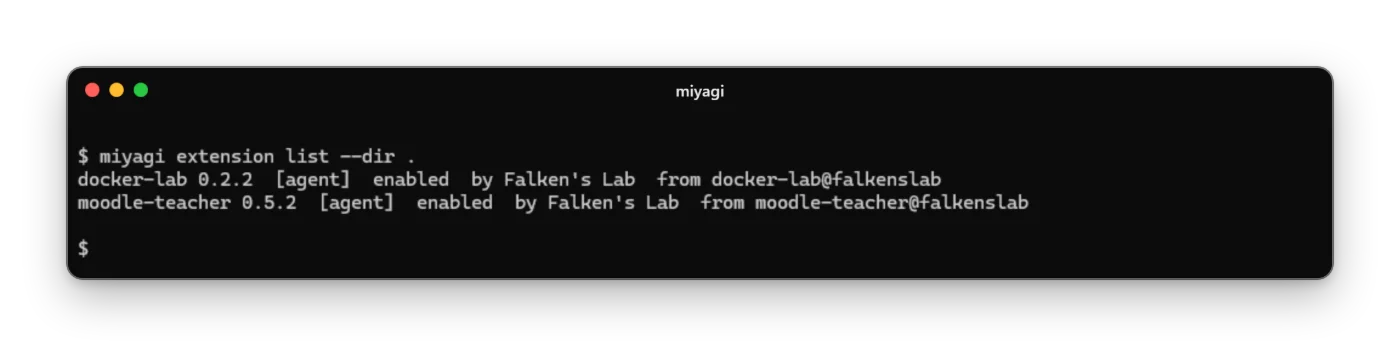
miyagi extension list with docker-lab and moodle-teacher enabled.
The subject's extensions.

The shortcuts are under miyagi commands, and the commands in the Reference.
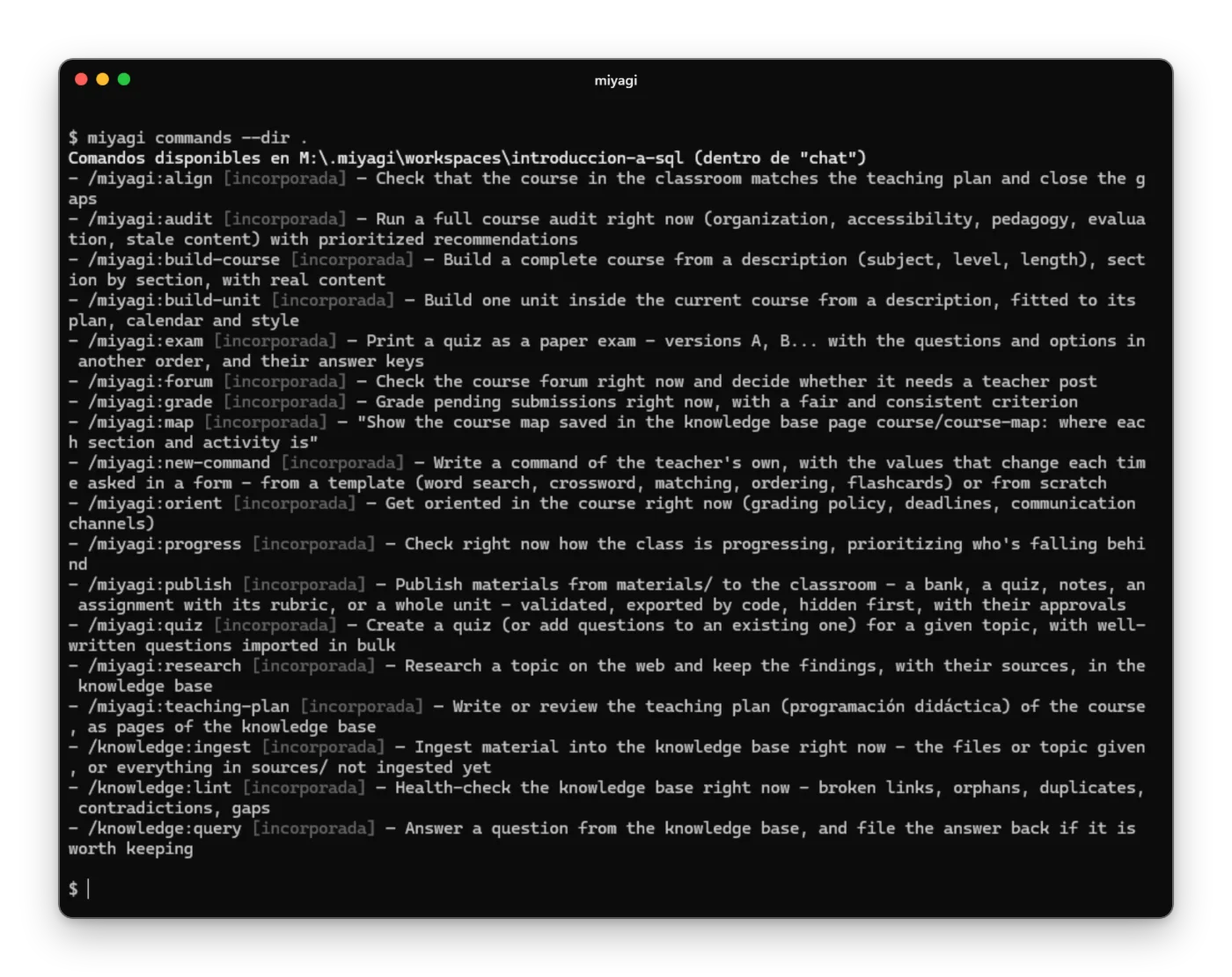
miyagi commands with the list of the conversation's shortcuts.
miyagi commands.