Use cases in the web version
The web version is the same page as the desktop app, opened in a tab of your browser. The whole SQL tutorial is done the same way; these screenshots are of the same subject opened with miyagi web.
$ miyagi web -w introduccion-a-sql
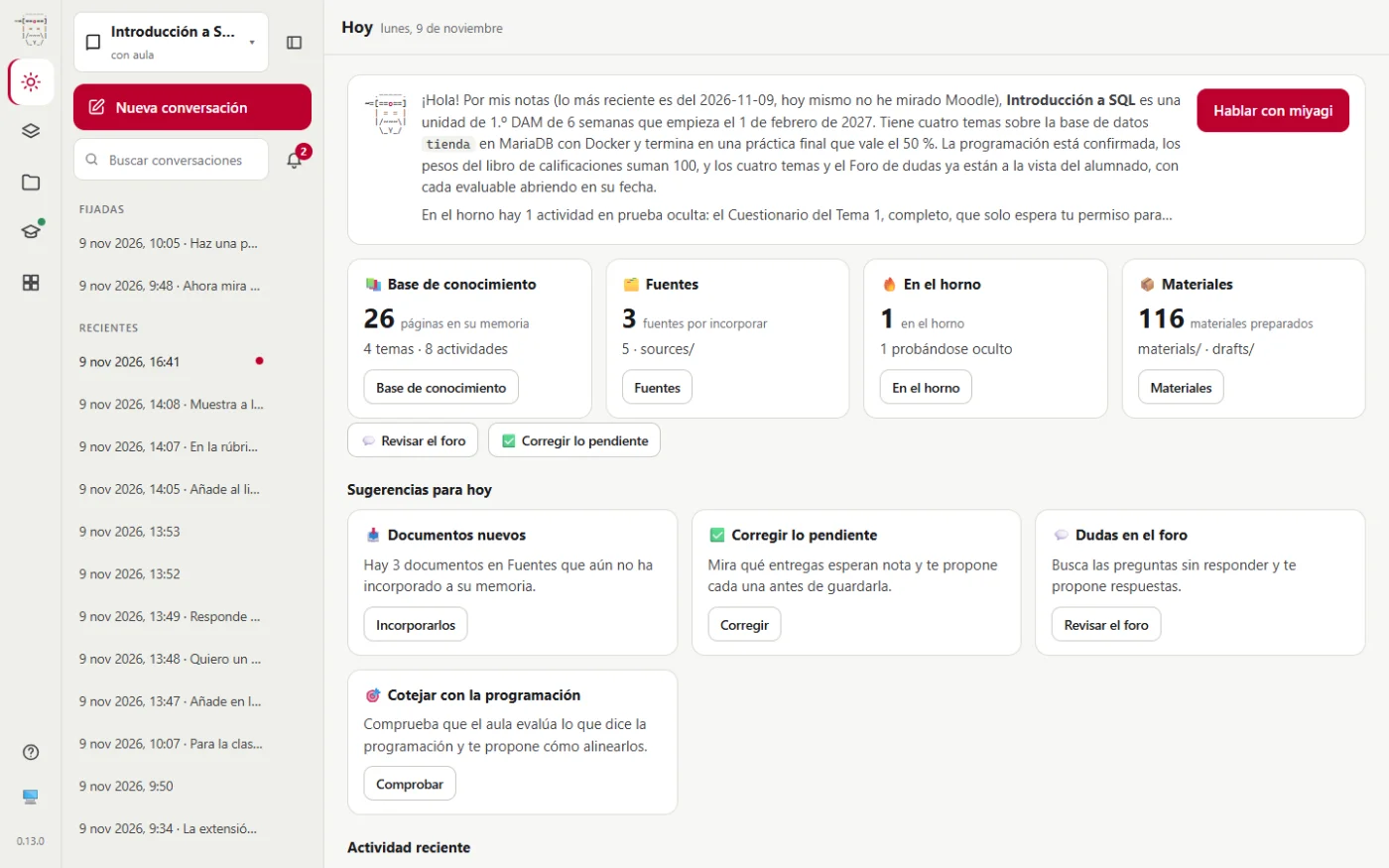
See how the subject is doing
The Today view sums up what miyagi knows, the sources waiting to be taken in, what's in Drafts and what you can do.
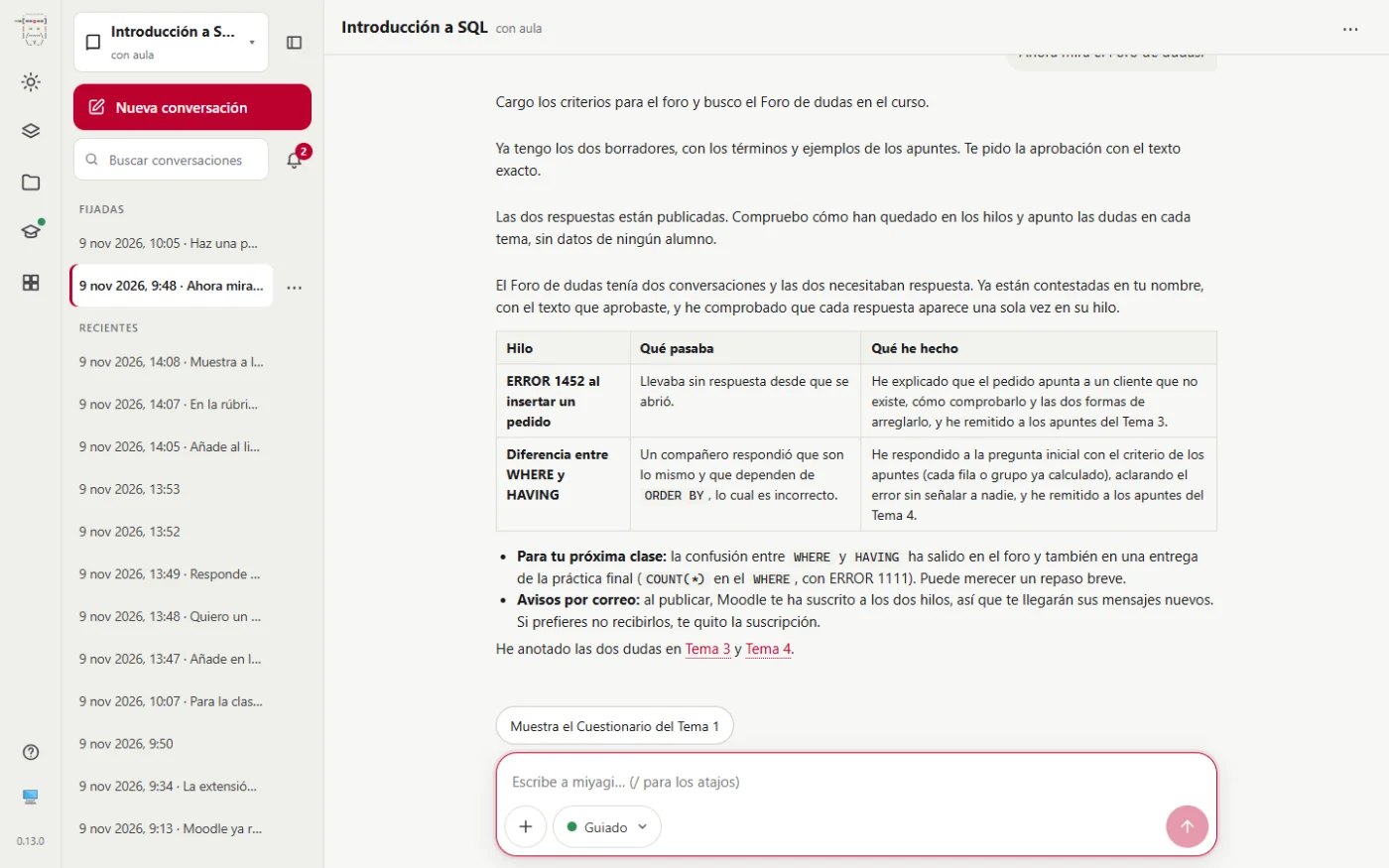
Looking after the forum
An ordinary request, in the conversation:
Now look at the Foro de dudas.
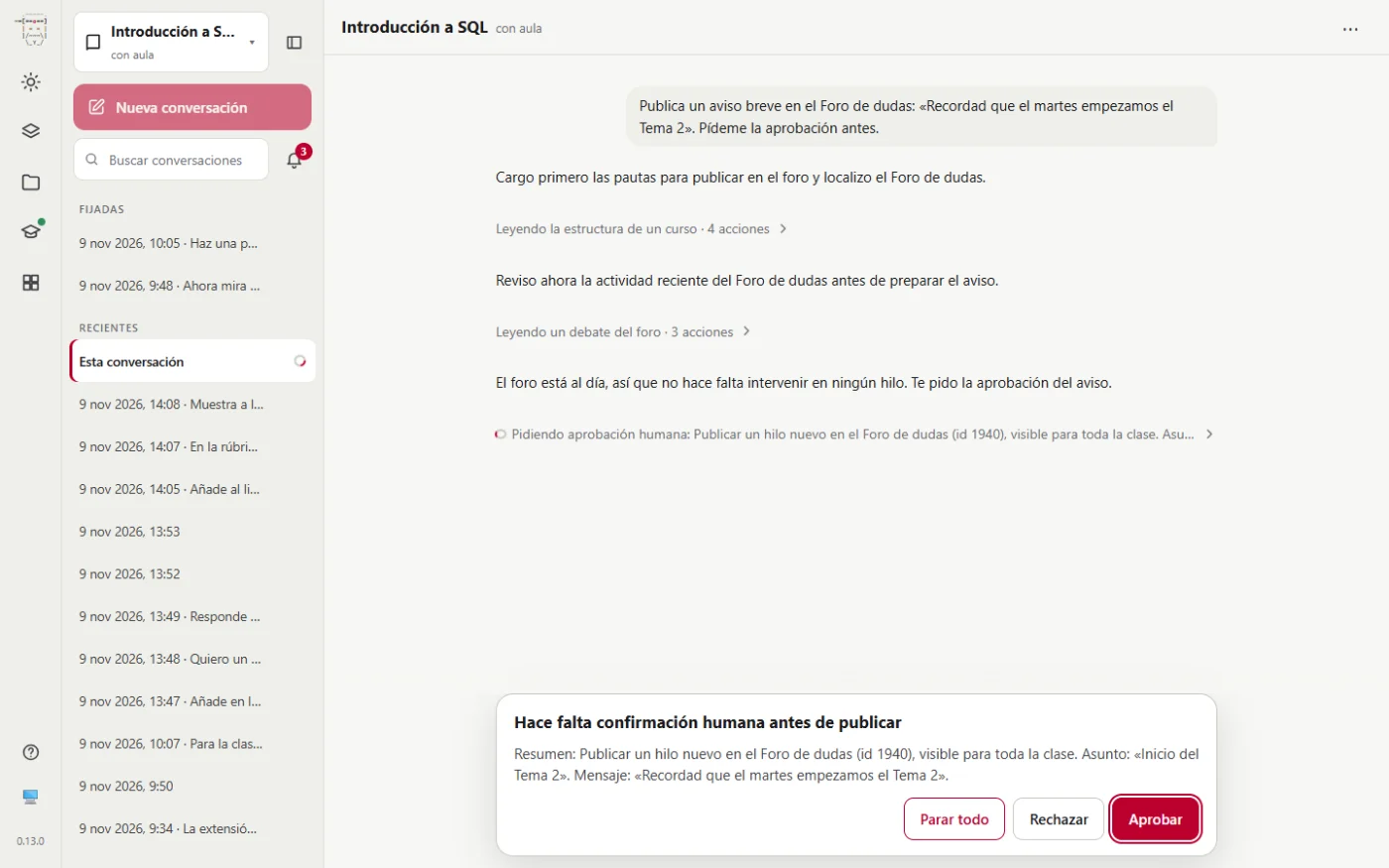
Approve before publishing
The approval takes the place of the box for writing, with the same buttons as in the app.
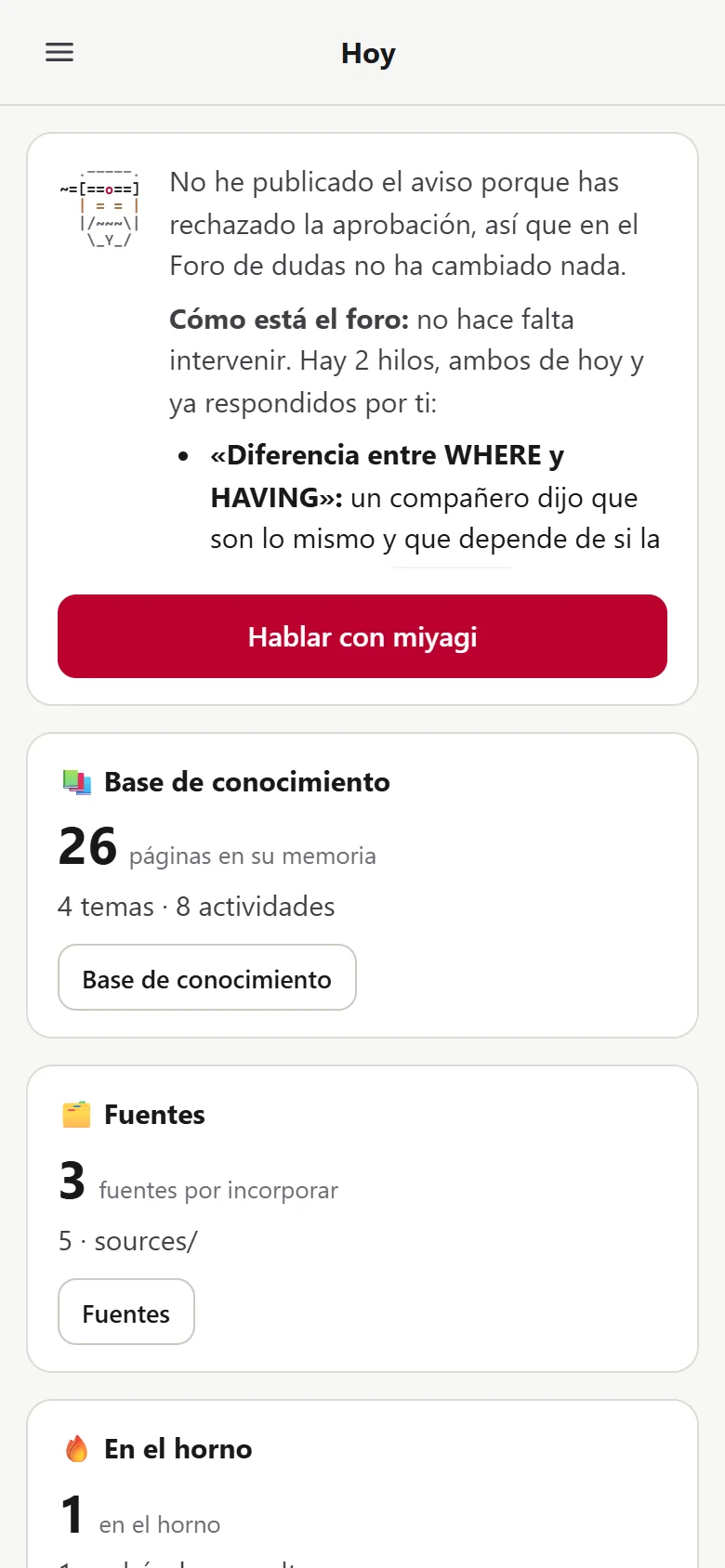
From a narrow window
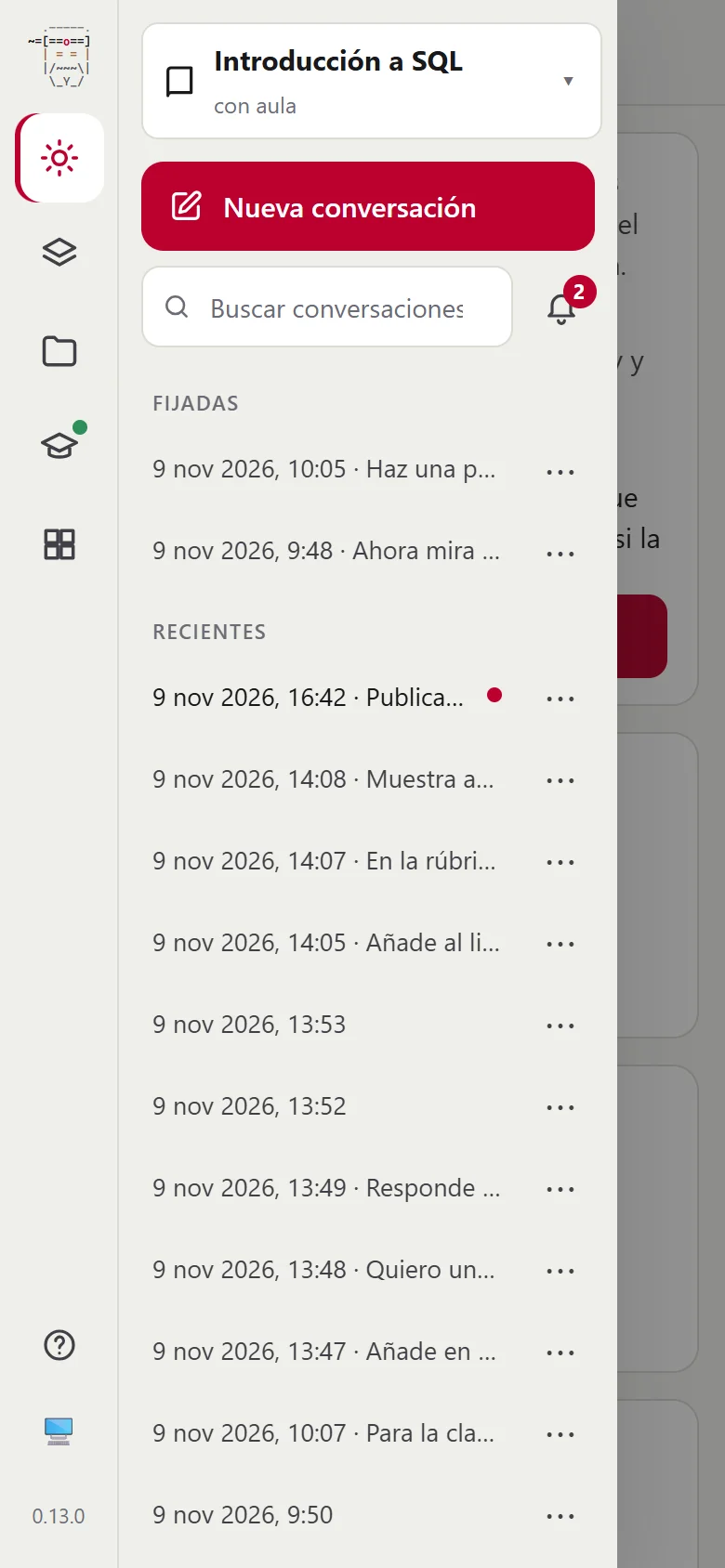
If you narrow the window, the page adapts: the conversation takes up the whole screen and the menu opens with ☰.
For everything else, follow the tutorial's steps: the interface is the same, except for the title bar and the built-in browser.